Bring your app screens
Drop in PNGs or JPGs. Choose one of three considered layouts and a color palette that feels like your app.
Give your App Store screenshots a local voice. Add your translated captions, check the fit, and export one neatly organized ZIP.
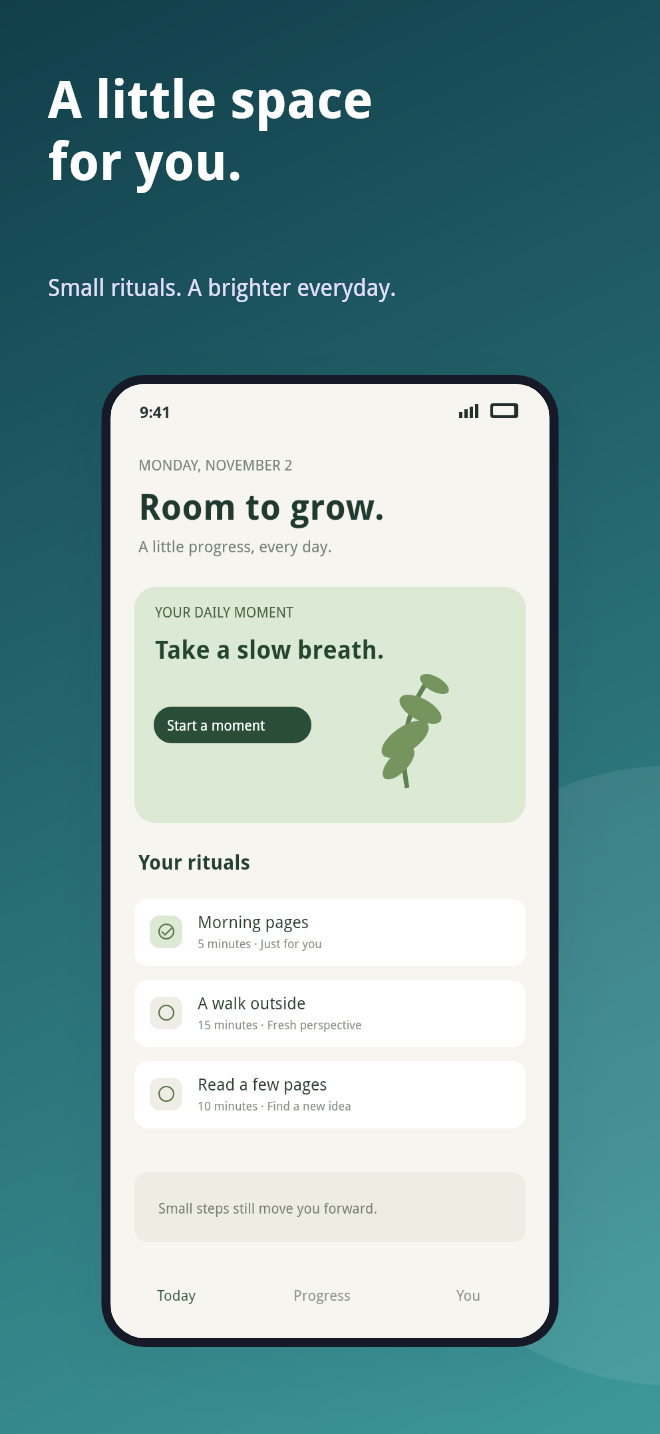 ENGLISH
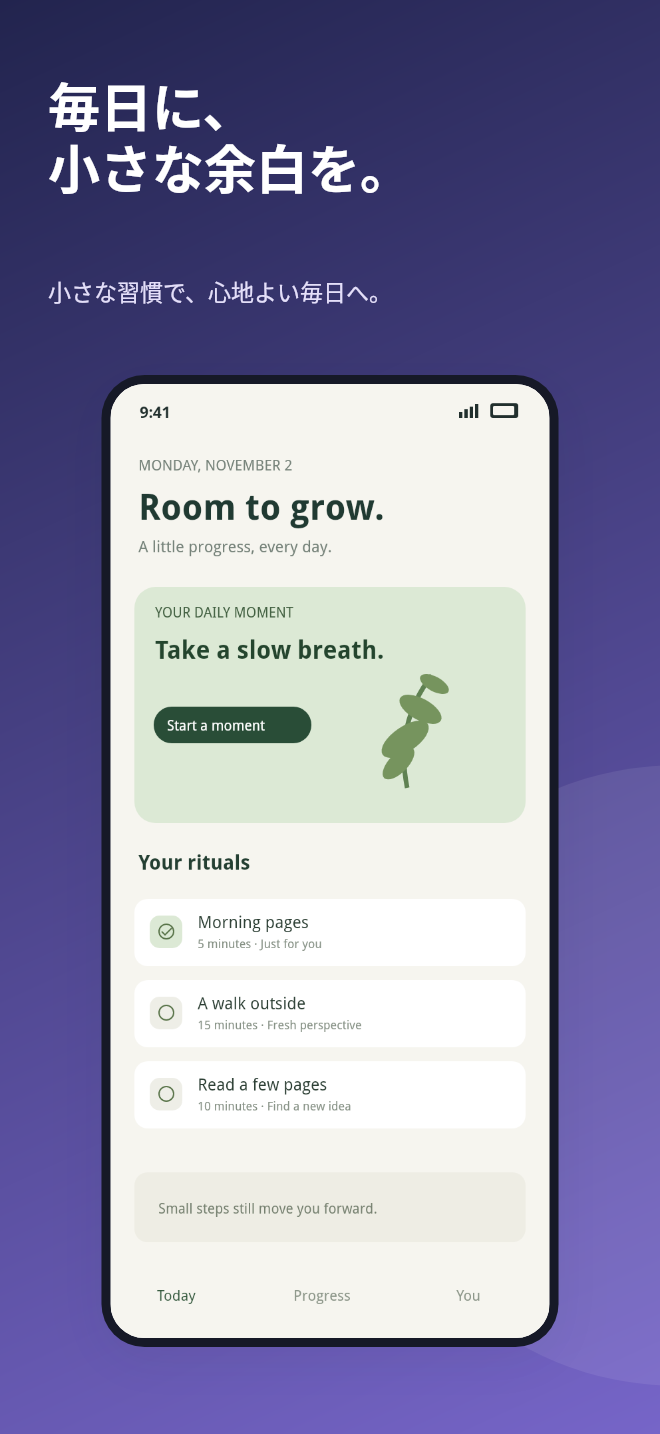 日本語
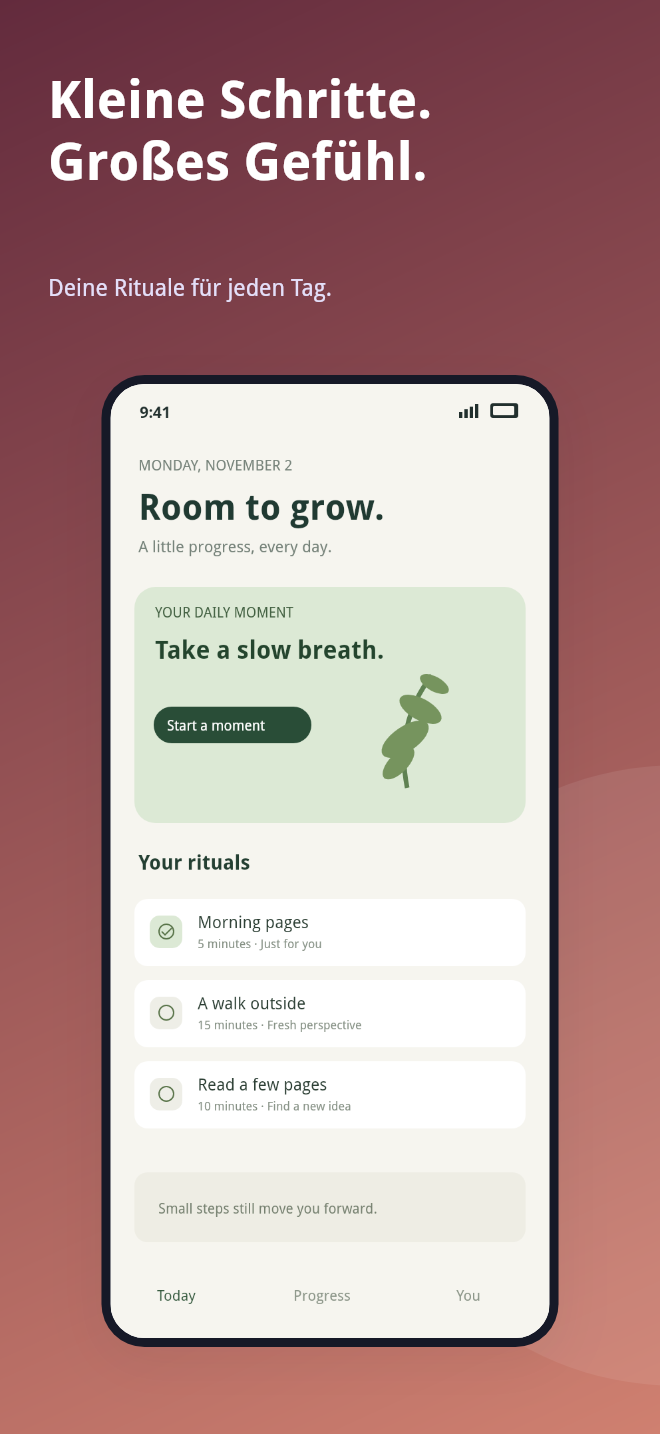 DEUTSCH
The last mile of localization shouldn’t need another monthly subscription.
Drop in PNGs or JPGs. Choose one of three considered layouts and a color palette that feels like your app.
Write captions by language, or import your CSV or JSON. Catch text that runs long before it reaches the store.
Get exact-size PNGs inside en-US, de-DE, ja, and other locale folders. Ready for your final App Store Connect review.
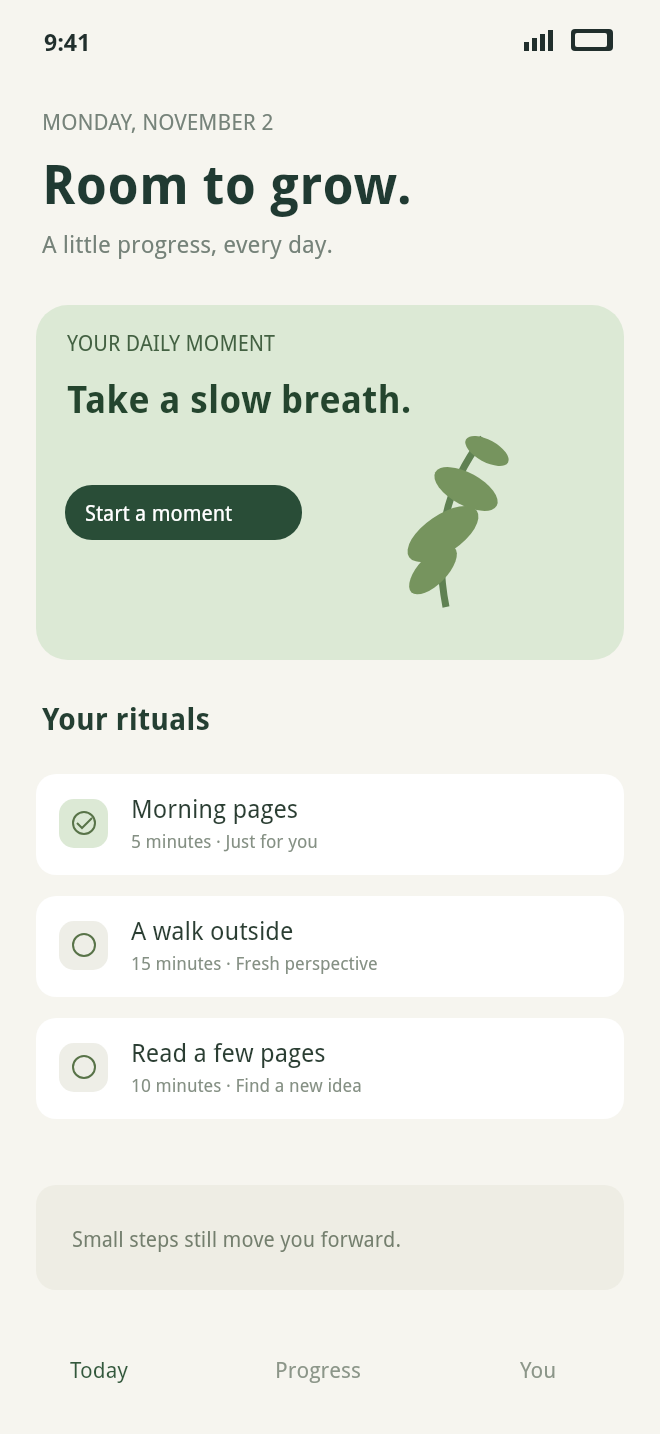
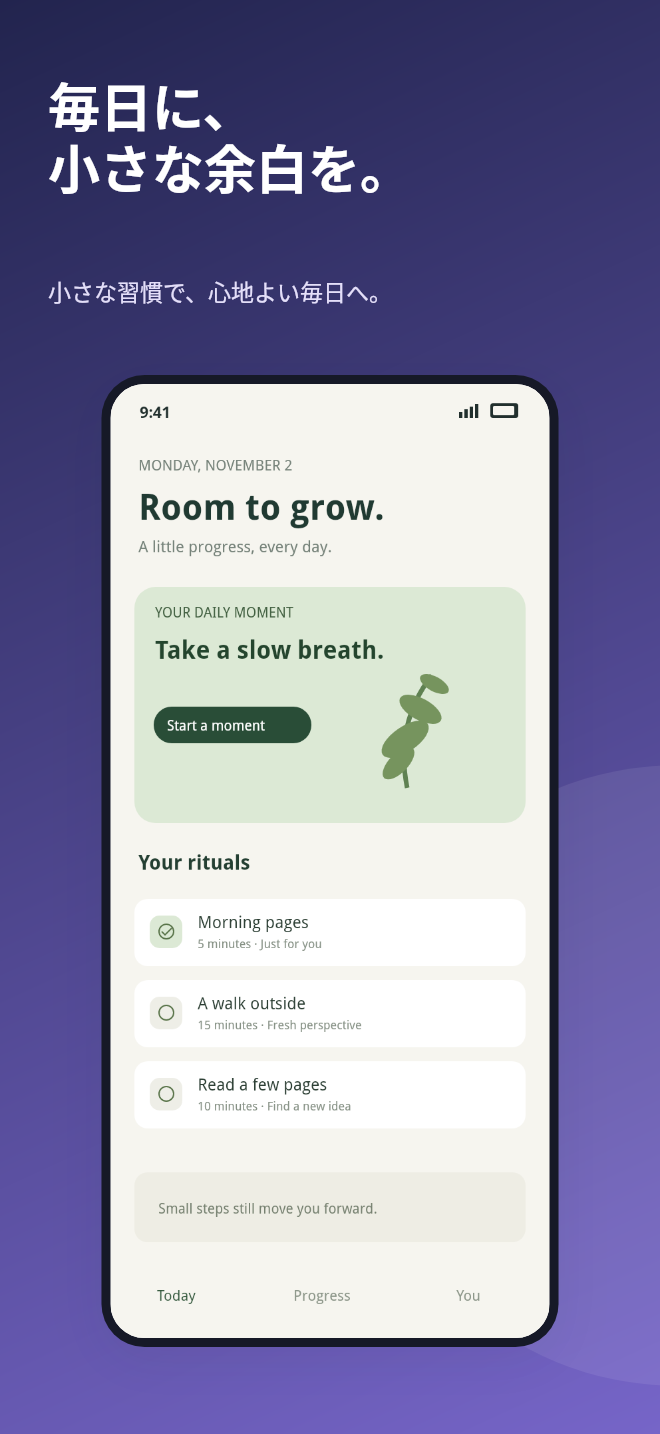
Clean typography, breathing room, and captions that fit. No endless canvas. Just the essentials for an indie release.
Synthetic app artwork. Caption localization only; the app UI in your images stays as supplied.
Try the full workflow before you unlock. No recurring subscription.
See how your next release could look.
One app. One release. All your locales.
For a month with a few things to ship.
Local preview: checkout isn’t live yet. The free editor and sample pack work now.
Any applicable taxes will be shown at checkout when sales open.
No. Images, captions, preview rendering, and ZIP generation stay on your device. There are no analytics, remote fonts, or upload endpoints. Hosting providers receive ordinary page requests. Checkout, when enabled, opens Creem separately.
You supply the translations for the headline and subtitle. Import them from CSV or JSON, or type them in. Text inside your app screenshot is part of the image and stays unchanged. Use localized source screenshots if your app UI needs a different language.
Portrait PNGs: iPhone large 1320 × 2868, iPhone Face ID large 1284 × 2778, iPad 13″ 2064 × 2752, iPhone medium Dynamic Island 1206 × 2622, and Google Play phone 1080 × 1920. Apple specifications were checked November 4, 2026. Always check the current requirements for your app.
The $9 pack covers one release in this browser, including re-exports. The $19 pass covers multiple releases for 30 days from code issue. Neither renews automatically. This MVP has a clearly labeled demo unlock; paid fulfillment will be connected before sales open.
We use script-specific system font fallbacks for CJK, Arabic, Hebrew, Thai, and Devanagari. Exact fonts depend on your computer. Review the preview for missing glyphs and text fit; install a suitable Noto font locally if needed. Overflow warnings check wrapped text in each selected size.
This first version uses one headline and subtitle per language across your source screenshots. Export a separate pack with new captions if each screen needs different copy. Screenshots are fitted without cropping. No App Store account or direct publishing is required.
Try the free export and the sample ZIP first. Our planned paid policy is a refund request within 14 days of purchase; see the refund policy for details. Local preview sales are not open.